Videos for your channel from a single topic
Write what to film about. SynthGrid writes the script, adds a voice, picks the visuals and assembles a rough cut from them. Then you download it and finish it in the editor you already use.
No card. The first video is free.
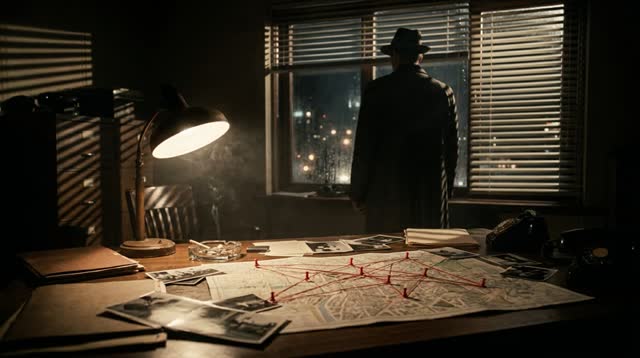
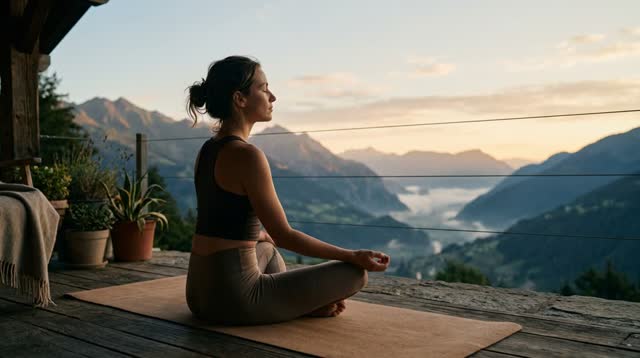
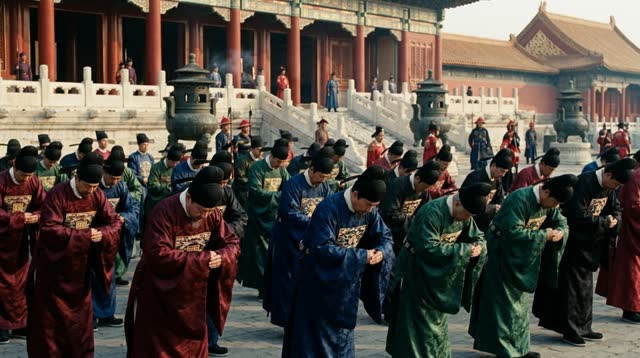
- Made with AI
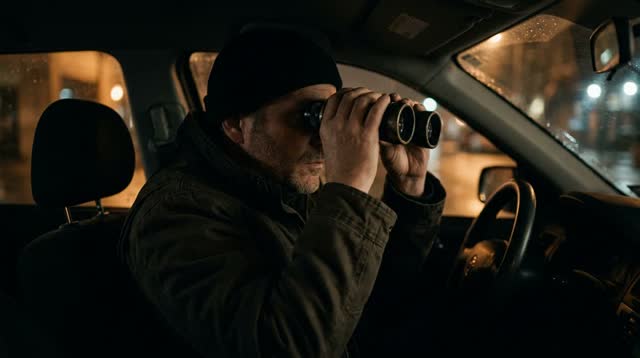
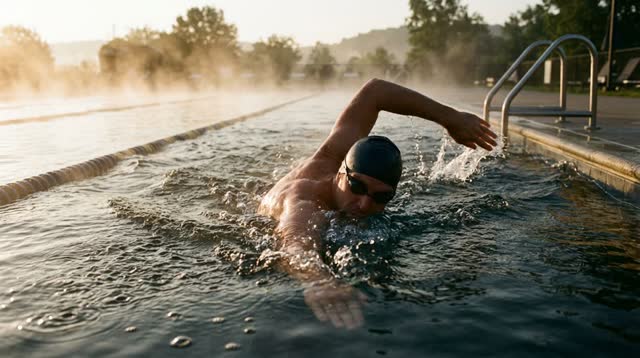
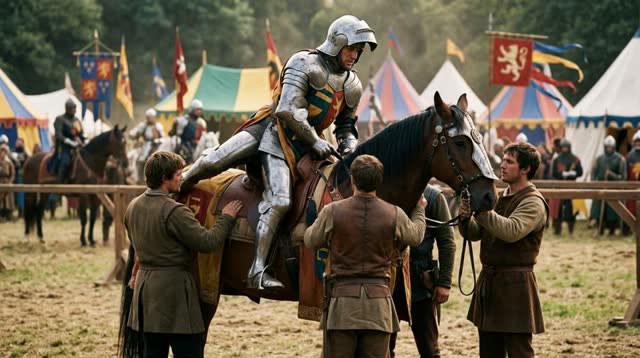


An example
How it works
You write a topic
One sentence. For example: “how sleep works” or “the history of my town”.
SynthGrid makes the video
Script, voice, visuals, music, subtitles.
You publish
Download the file. Publishing to YouTube — straight from the platform, on any plan. Scheduling and auto-publishing — on Pro.
What you can do for free
A plan for your channel
You give a topic, a goal and your main difficulty, and get three title drafts, three opening lines, a seven-day plan to prepare one video and a hint on where to start. Add a link to your channel and you also see the words that repeat in the titles of its most popular recent videos. No sign-up.
One short video
With a voice-over. You need to confirm your email, and sometimes your phone number too. No card needed.
The free video comes out in HD with a SynthGrid mark in the corner.
What sets SynthGrid apart
The price of auto-videos, frames, voice-over, music and sound effects is shown before you confirm
The price is shown before you confirm it. If you do not confirm, nothing is charged.
Everything in one place
Script, voice, visuals, subtitles, cover and publishing. Not ten tabs and five subscriptions.
What it costs
Free, to try it: a plan for your channel and one short video.
Starter is for regular videos. The price and the number of videos are on the pricing page.
Auto-videos on Starter come without the SynthGrid mark.
A video built from a project again also comes without the SynthGrid mark.
More videos, your own voice and teamwork are on the pricing page.
See the plansQuestions everyone asks
- Do I need a card to start?
- No. The channel plan needs no sign-up. For the first video you confirm your email, and sometimes your phone number too; no card is needed.
- Will it be obvious that a computer made the video?
- The voice, the visuals and the editing look like those of an ordinary YouTube video. The free video has a SynthGrid mark in the corner.
- What do I get at the end?
An assembled video: script, voice-over, visuals, music and subtitles, all in place and in the right order. It is a rough cut, not a film ready to publish: some frames may fail or carry unwanted writing.
Along with the video you get an archive: the script, the scene cards, and the frames and voice-over of every scene as separate files. So you can finish it in the editor you already use, without starting from scratch.
- How long until the first video?
- The time depends on the length of the video.
Try it on your own topic
No card. The channel plan needs no sign-up.